
Main points
- Regularly shutting down or restarting your smartphone helps avoid memory leaks and increases security.
- Experts recommend turning off your smartphone about once a week for more stable system operation.
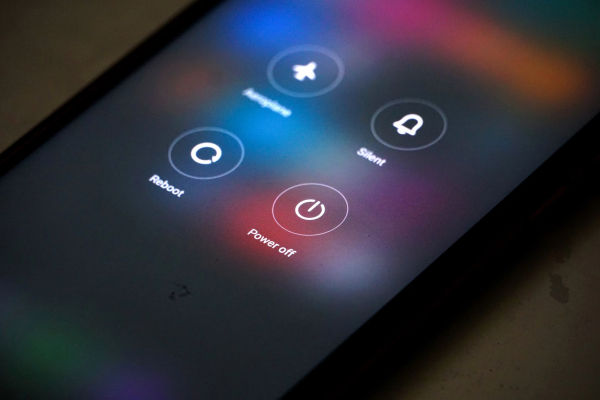
Why you should restart your smartphone sometimes / Depositphotos
Our smartphones are constantly on these days – we almost never let them go, except to charge them. However, even modern Android devices need a rest, because if they are not restarted – unexpected problems can appear.
In everyday life, most users do not turn off their smartphones at all. Pressing the power button usually only puts the device into sleep mode – the screen goes dark, but the system continues to work, receiving messages, calls and other signals. What happens if the smartphone is left on for a long time, BGR tells.
Do you really need to turn off your phone regularly?
Although smartphones are designed for long periods of continuous operation, the complete absence of reboots can negatively affect their performance. One of the main reasons is the so-called memory leaks .
Some applications do not free up the used RAM after closing, and such “tails” accumulate. As a result, the system starts to work slower and the load on the battery increases.
Another risk is security . There are attacks that gradually penetrate the system of a mobile device: from simple messages or calls to access files and important data, as noted by Forbes.
A complete shutdown or restart effectively “erases” such access paths, forcing the attacker to start over. If the phone is left on all the time, it is more likely to become vulnerable to such threats.
Important! To completely disable it, you need to hold down the lock button and separately select the appropriate option, which is not always obvious, especially for new owners of Android devices.
Why does a smartphone need to be rebooted periodically?
Regular restarts also help clear the cache, stop unnecessary background processes, and give the device's components a little “rest.” This has a positive effect not only on speed, but also on overall battery life.
According to experts from the US National Security Agency, it is enough to turn off your smartphone about once a week, PCMag reports. After a few minutes of pause, the system boots up “fresh” and works more stably.
Other useful tips for your smartphone
- Cybersecurity experts warn against storing personal data on your smartphone. You should immediately clean your smartphone of potentially dangerous data that could threaten your security.
- Your Android smartphone's interface can run faster. It requires some tweaking, but it's relatively easy and quick.
- You can also get the most out of your smartphone charging by following a few simple rules.