
Main points
- Apple has updated the App Store without an announcement, changing the navigation and renaming the “Updates” section to “App Updates.”
- The changes to the App Store were made at the server level, which avoided installing a new version of iOS.
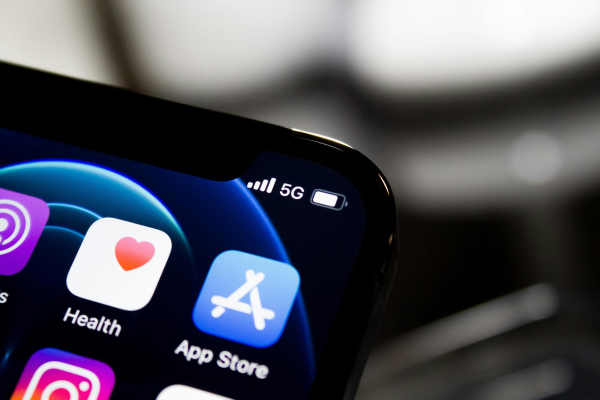
/ Unsplash / James Yarema
Apple has quietly made changes to the App Store on iOS. The company has rearranged the tabs and renamed the updates section, making it more visible to users.
Apple has made a small but noticeable update to the App Store without releasing a new version of the system. The changes concern navigation within the application and are already available in both the stable version of iOS 26.4.1 and the beta version of iOS 26.5 . This is reported by Macrumors .
What exactly has changed in the App Store?
Now, if you open the user profile in the upper right corner, you can see that the sections have been swapped. Previously, the ” Apps & Purchase History ” tab was first in the list, but now it has been moved down, and the updates section has been moved up.
Apple has also renamed the section itself . Instead of “Updates,” it now uses the name “App Updates.” This makes the feature more understandable and noticeable, especially for users who regularly check for app updates.
Interestingly, the changes were made at the server-side level , so users didn't have to install a new iOS update. This approach allows Apple to quickly test and implement small interface improvements.
In addition, there is an even faster way to go to updates . As John Gruber noted, just hold down the App Store icon on the home screen – the context menu will immediately appear with an item to go to the updates page.
According to Apple , although the changes are not large-scale, they simplify access to important features and make the interface more logical for everyday use.