
Main points
- When connecting devices such as smart TVs, game consoles, and computers, it is best to use an Ethernet cable to ensure a stable connection and high speed.
- Video surveillance systems and Wi-Fi signal boosters can also improve their performance over wired connections, reducing latency and improving data transfer quality.
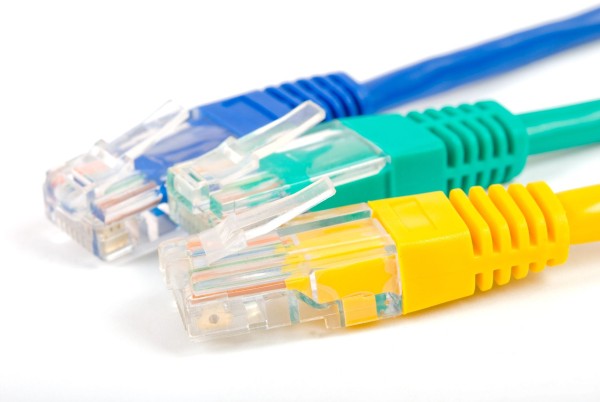
How to unload your home network / Depositphotos
Modern homes and offices are home to dozens of connected gadgets. Wi-Fi has become the norm, but a congested wireless network often slows down your connection speed and stability. One easy way to improve the situation is to connect your most demanding devices to your router via an Ethernet cable.
Despite the proliferation of dual- and even tri-band routers, a wired connection is still the most reliable option. Such a connection provides a stable connection and speed, and for several specific devices in the house this is the best option, says 24 Channel . Even the speed of the Wi-Fi network improves, since priority devices receive a separate connection channel and do not occupy the wireless network.
Why is it better to use a wired Internet connection?
Modern Ethernet ports are capable of transmitting data at speeds from 100 to 1000 Mbps, and in some cases up to 2.5, 5, or even 10 Gbps. A regular Cat5, Cat6, or Cat7 cable can significantly reduce the load on a Wi-Fi network and improve the performance of important devices, according to HighSpeedInternet.
While most small gadgets like smartphones, tablets, and some smart home devices can be connected via Wi-Fi, for devices like a computer, TV, or game console, it's better to use an Ethernet connection, and here's why.
Smart TVs and streaming boxes
Modern TVs have long since become full-fledged multimedia centers with a large number of online services. Manufacturers use their own software shells or third-party platforms – from Tizen and webOS to Google TV or Roku.
While Wi-Fi is available, video streaming is often the biggest network drain. Watching 4K HDR content on services like Netflix or Apple TV requires a stable data connection. Many TVs have an Ethernet port with a bandwidth of up to 100 Mbps, and among set-top boxes, the Apple TV 4K, Roku Ultra, and Nvidia Shield TV Pro support wired connections.
If your router is nearby, a wired connection will provide smoother video playback and reduce the risk of network congestion.
Game consoles
Modern consoles are designed not only for story-based titles, but also for active online games, where signal latency is critical. Although the PlayStation 5 and Xbox Series X|S support Wi-Fi, it is the Ethernet connection that can provide lower ping, faster downloads, and more stable gameplay in network games.
Important! Not every Ethernet cable is capable of transmitting data at a speed of 1000 Mbps. Even if your tariff guarantees such a speed and your equipment supports it, the cable itself can be the cause of a slow connection or freezes.
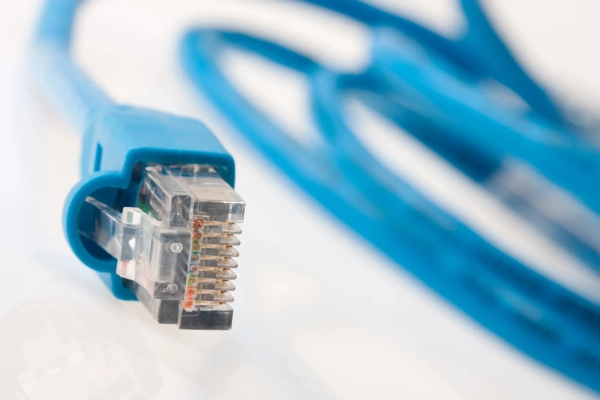
Not every cable supports gigabit connection / Photo Depositphotos
Gigabit Ethernet ports are installed in Sony and Microsoft consoles, as well as in the Nintendo Switch 2. This is especially important for games with constant updates or online modes.
Even portable devices like the Steam Deck or ASUS ROG Ally can work via cable – though you'll need a docking station with an Ethernet port.
Computers and laptops
Personal computers remain key tools for work, education and entertainment. Processing large files, video editing, dozens of tabs in the browser or parallel streaming of video – all this creates a significant load on the network. Modern computers are equipped with gigabit Ethernet ports, this applies even to gaming laptops, as ROG Asus says. And such devices, for a stable connection, are better connected via cable.
A wired connection allows you to get a more stable internet with less latency and faster data downloads. Even if your laptop or PC does not have an Ethernet port, the problem can be easily solved with a USB adapter that supports gigabit speeds (it is important to use a computer port that supports USB 3.x).
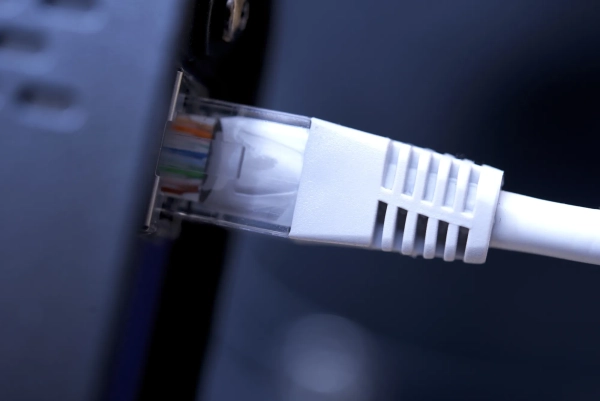
It is better to connect a work PC to the network via a cable / Photo Depositphotos
Video surveillance systems
Home security systems are much easier to set up today than they used to be. Many cameras work over Wi-Fi, but models that support Ethernet or Power over Ethernet technology can provide better streaming and recording quality.
A wired connection helps avoid image artifacts, video lag, and unstable operation. The same applies to base stations and network video recorders, which are often the control center of the entire system. If the router does not support PoE, a separate injector or switch will be required for the connection.
Wi-Fi signal boosters
In large apartments or offices, the wireless signal can weaken due to thick walls, ceilings, or distance from the router. One solution to the problem is to switch to a mesh system, but sometimes installing a signal amplifier is enough.
These devices extend the coverage area of an existing network, and some models have an Ethernet port. For example, a Wi-Fi 7 extender can add up to 140 square meters of coverage and allows you to connect TVs, consoles or audio systems with a cable.
How to improve your home Wi-Fi network?
There are many ways to improve Wi-Fi coverage in your apartment or house. Sometimes this task may not be as simple as it seems and not all solutions will be obvious.
-
For example, experts do not recommend using certain Ethernet cables when laying a network at home. These include flat cables for home internet, which in most cases are not the best solution.
-
Additionally, your internet can slow down even with a powerful router. Fortunately, you can get it working at full capacity with a few simple methods.
-
There are also a variety of interesting life hacks that allow you to speed up your home Wi-Fi with just one change in your router settings.